Swipe to delete
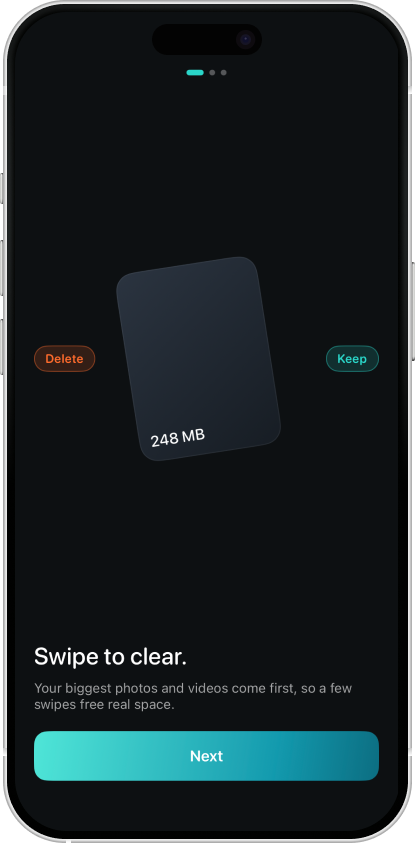
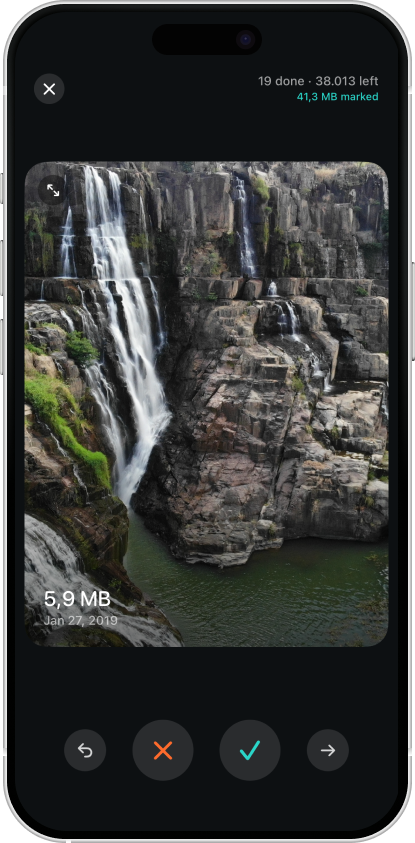
Review your camera roll one item at a time. Swipe left to delete, right to keep. No menus, no friction.

Backspace
Backspace sorts every photo and video by file size, then lets you swipe through and delete, so you reclaim gigabytes in minutes, not hours.

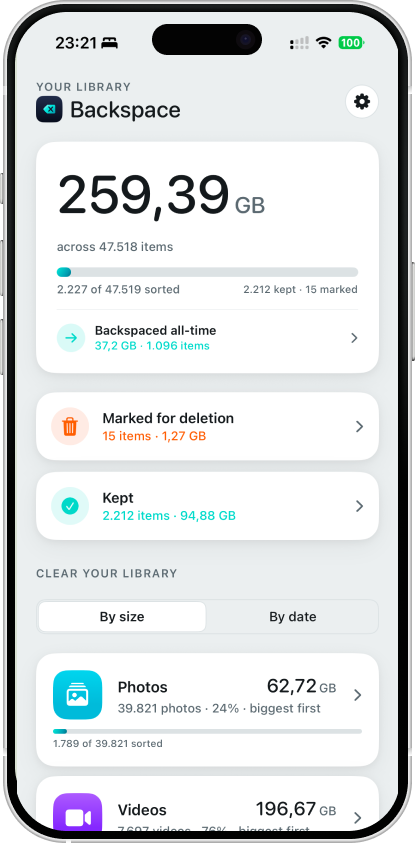
Burst shots, screen recordings, and duplicate videos are usually the biggest space-wasters on your phone, and the easiest to miss. Backspace finds them first, so you can reclaim real space in minutes.
Features
Review your camera roll one item at a time. Swipe left to delete, right to keep. No menus, no friction.
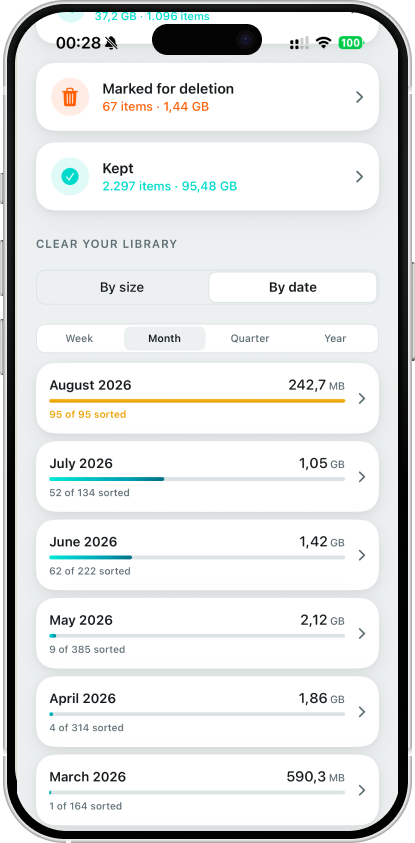
Backspace sorts everything by size, so the real space-wasters (long videos, burst shots, screen recordings) show up first.
Every media type counts toward your storage. Backspace handles both in one unified queue. No separate modes to think about.
Nothing is erased instantly. Every delete goes through Apple's Recently Deleted, recoverable for 30 days.
One swipe, one decision, next item. Clear hundreds of files in the time it'd take to find them in Photos.
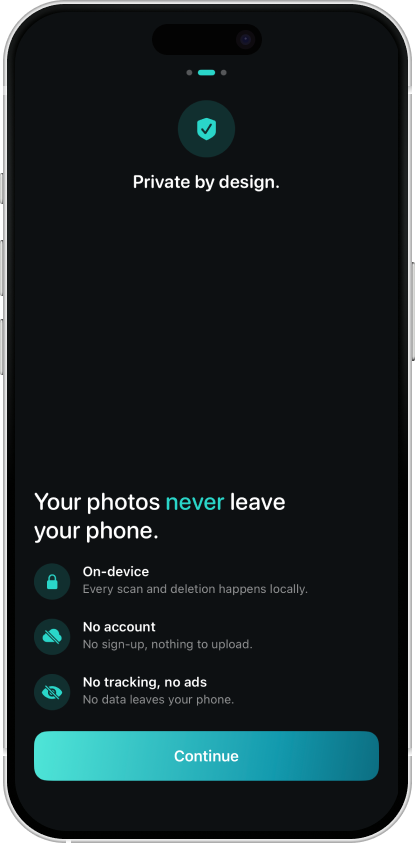
Backspace never uploads, collects, or sees your photos. Everything happens locally, on your phone.
How it works
Give Backspace permission to see your library. Nothing you grant access to ever leaves your device.
Review items sorted biggest-to-smallest. Swipe left to delete, right to keep.
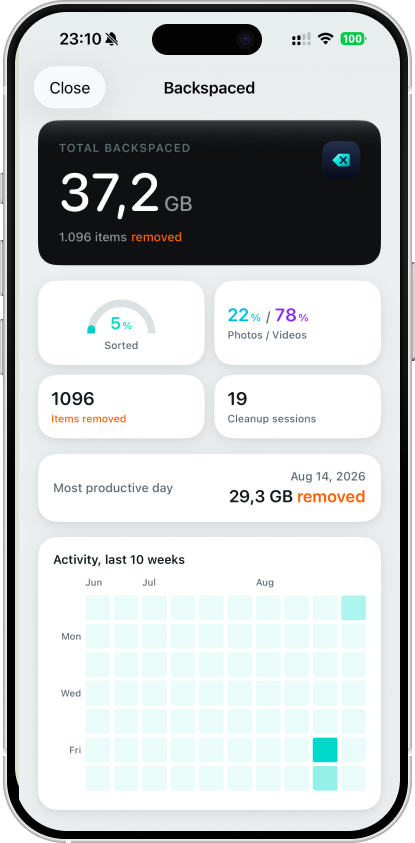
Confirm your batch and iOS moves it to Recently Deleted. Watch your free space go up.
See it in action
FAQ
No. Every item you delete goes to your Photos app's Recently Deleted album first, where it's recoverable for 30 days before iOS removes it for good.
No. Backspace works completely offline. It never makes a network request, on any screen.
Just your Photos library, and only to display your media and delete what you choose to remove. Nothing ever leaves your device.